Project WOLF Has Arrived in Lineage II – Join Our Exclusive Giveaway!
This is the brand-new Lineage II server, featuring the fierce new class: Varkas.
We’d love for players to join our giveaway:
- Install the game
- Join the new server Project WOLF
- Play as Varkas and explore the new content
About Lineage II: Project WOLF
Lineage II: Project WOLF is a free-to-play fantasy MMORPG for PC, now featuring a massive update including:
- The Varkas class — a fierce wolf warrior wielding claw weapons, light armor, and defensive sigils
- New areas to explore: Varkas Settlement, Lonely Snowfields, and Crumahum Garrison
- A new epic raid: Water Dragon Fafurion
Unleash your wild power and dominate the battlefield in this explosive update!
Giveaway Details
We are giving away 5 exclusive promo codes (each worth around 100 USD) to players who follow the steps and prove they are playing on the Project WOLF server with the Varkas class.
- Value: around 100 USD per code
- Available for: PC and United States players only
- Deadline: May 13
- Post your screenshots on our TL Discord - channel #screenshots-wolf
How to Participate?
- Download PURPLE (NCSOFT’s official launcher)
- Create a PlayNC account
- Install Lineage II from PURPLE and enter the Project WOLF server
- Create a character with the Varkas class
- Take a screenshot showing:
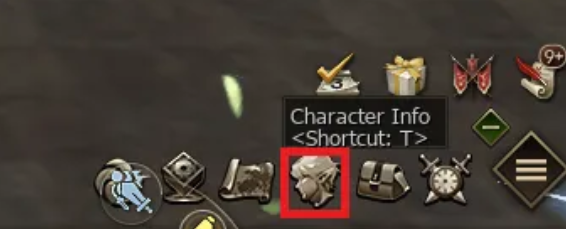
- Your character info screen with name + Varkas class
- The “Special Hunting Zone” screen showing “Water Dragon’s Canyon”
- Upload your screenshot to the #screenshots-wolf Discord channel
⚠️ Only those who follow all steps correctly will be eligible to participate
How to take the right screenshot?
The screenshot MUST show:
- Your character info screen (press
T) - The Special Hunting Zone interface showing “Water Dragon’s Canyon”
This proves that:
- You’re playing as Varkas
- You’re on the Project WOLF server
How to open these in-game screens?
📌 To open the character info screen:
- Press T on your keyboard
- Or click the character icon (bottom right corner)
📌 To open the “Special Hunting Zone”
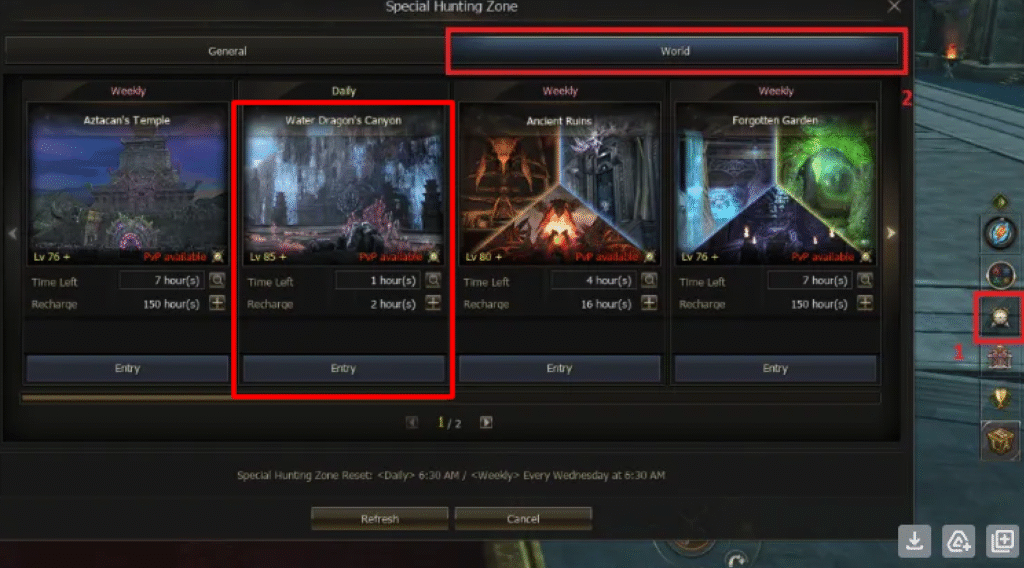
- Click the Hunting Zone icon on the right-side menu
- Go to the World tab and locate “Water Dragon’s Canyon”
- A sample screenshot will be pinned in this thread for reference
Trending on gamers4.life
 Silver Palace
Silver Palace System Requirements: Minimum and Recommended PC Specs
Powered by the cutting-edge Unreal Engine 5, Silver Palace delivers stunning next-generation visuals. However, that level of graphical fidelity means you will need a capable PC to run it smoothly. If you are wondering whether your rig is ready for developer Elementa's highly anticipated release, we have compiled the official PC system requirements. The following […]

ArcheAge Chronicles Gameplay Trailer Highlights Combat and Open-World Exploration
XLGAMES has officially released a three-minute gameplay trailer for its upcoming multiplayer action RPG, ArcheAge Chronicles. While earlier teasers were limited to brief clips lasting 10 to 15 seconds, the new video delivers an extensive look at several core gameplay systems. Open Exploration Across Auroria ArcheAge Chronicles is set in Auroria, taking place 50 years […]
 AION 2
AION 2 Spacetime Rift Domination Guide: Schedule, Requirements and Rewards
AION 2 has introduced one of its most important open-world PvP activities so far: Spacetime Rift Domination. This new faction-based event sends Elyos and Asmodian players into a large-scale battle for control of strongholds across Verteron and Altgard, with scheduled windows, strict entry requirements, contribution-based rewards and rotating objectives. If you are preparing for endgame […]
You might also like
ArcheAge Chronicles Gameplay Trailer Highlights Combat and Open-World Exploration
XLGAMES has officially released a three-minute gameplay trailer for its upcoming multiplayer action RPG, ArcheAge Chronicles. While earlier teasers were limited to brief clips lasting 10 to 15 seconds, the new video delivers an extensive look at several core gameplay systems. Open Exploration Across Auroria ArcheAge Chronicles is set in Auroria, taking place 50 years […]
ArcheAge S Announced as True MMORPG Sequel to 2013 Original
A True MMORPG Sequel to the 2013 Classic Developer XL Games and publisher Kakao Games have officially announced ArcheAge S: Strait of Freedom, a new PC MMORPG targeting a 2027 release window. This project is entirely distinct from ArcheAge Chronicles, the title previously known as ArcheAge 2. While Chronicles pivoted toward a console-first, action/adventure MMO-lite […]
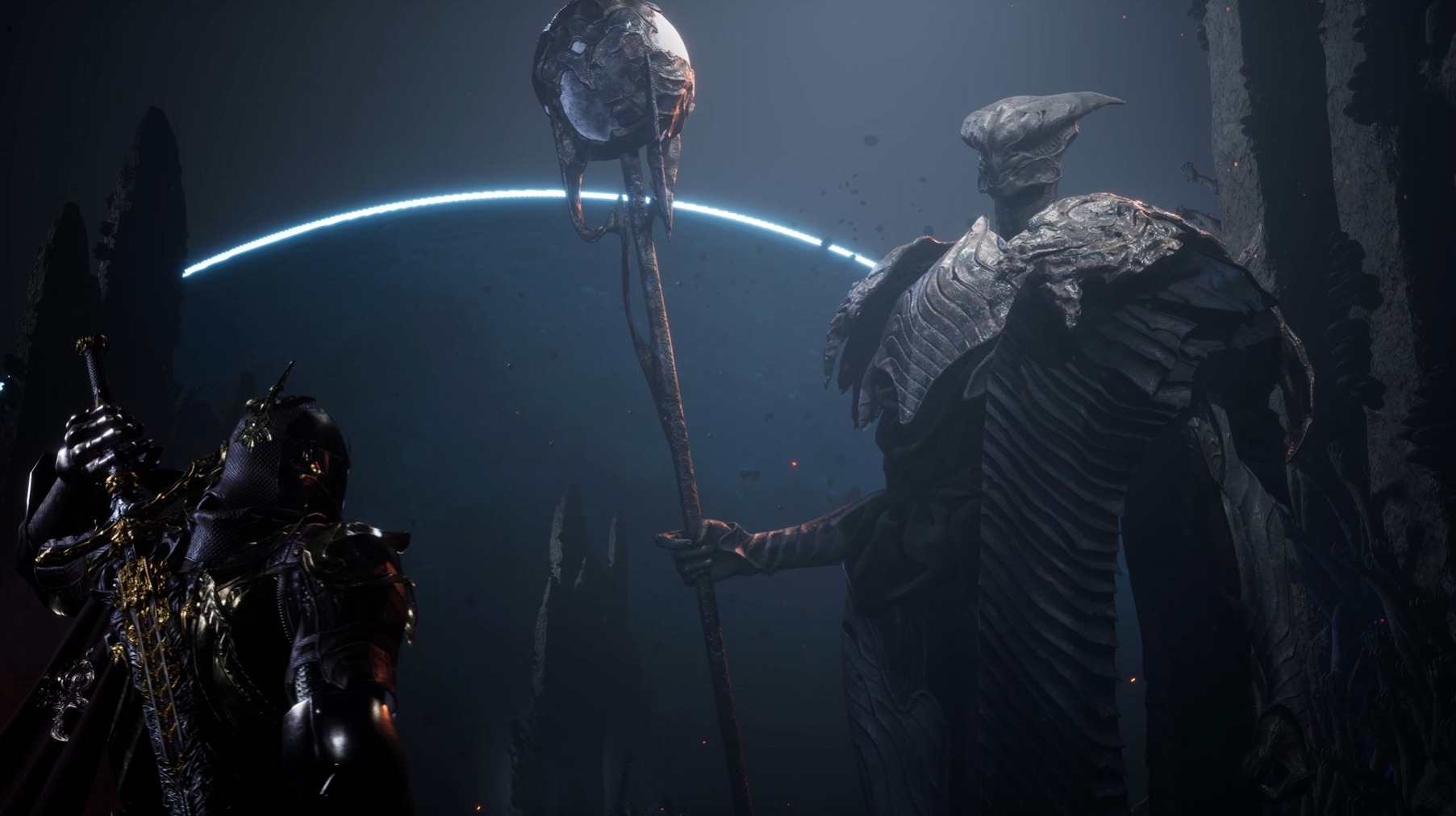 Chrono Odyssey
Chrono Odyssey Reveals Darker Visual Redesign for Character Equipment
The team at Chrono Studio continues to showcase the progress made in the development of Chrono Odyssey, their online action RPG. In a newly released short clip, the developers…
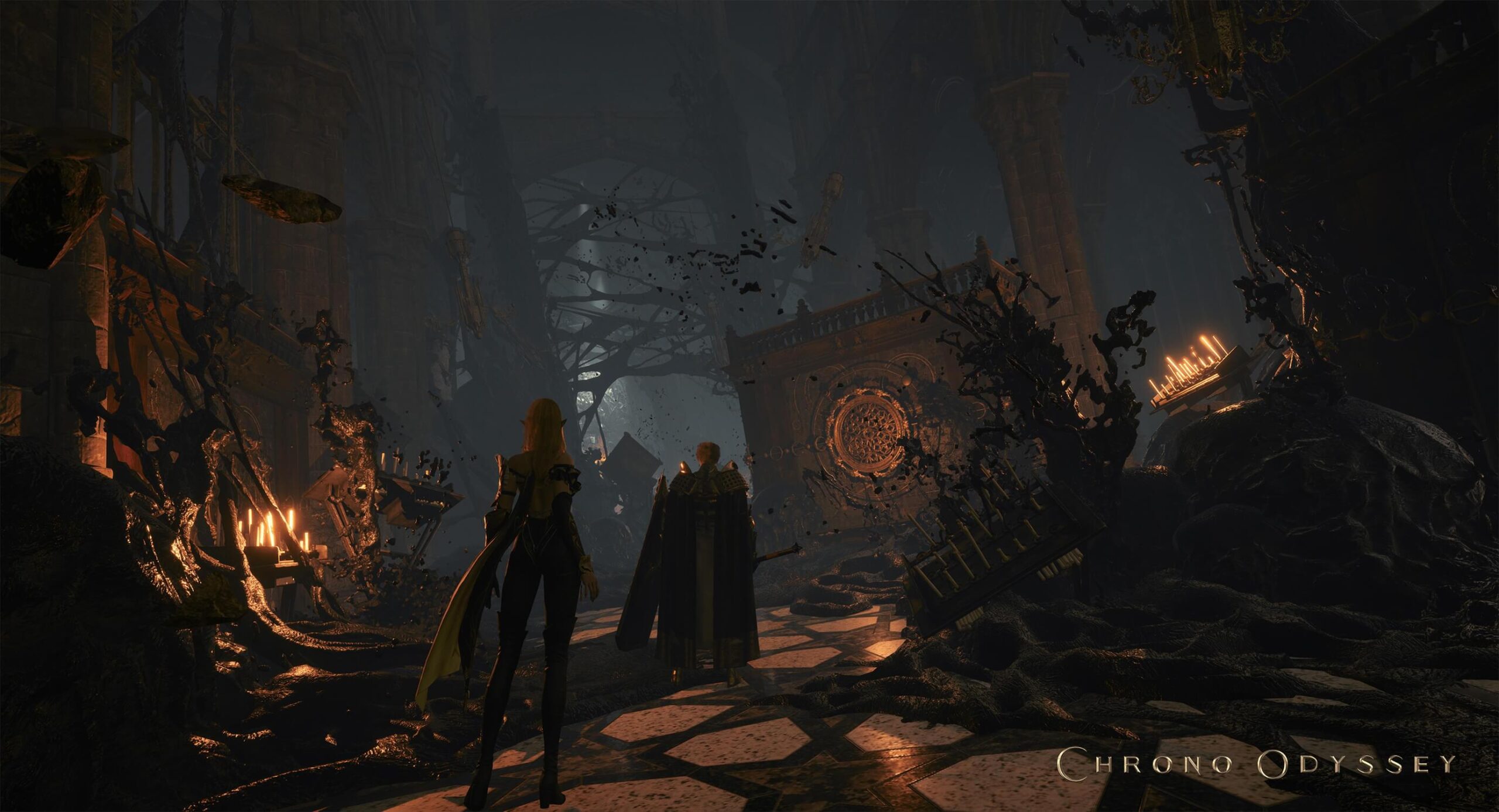 Chrono Odyssey
Chrono Odyssey Reveals Stunning Lighting Overhaul Transforming the World of Setera
The South Korean studio Npixel continues to showcase progress in the development of Chrono Odyssey, its ambitious open-world MMORPG. In its latest update, the developers unveiled…
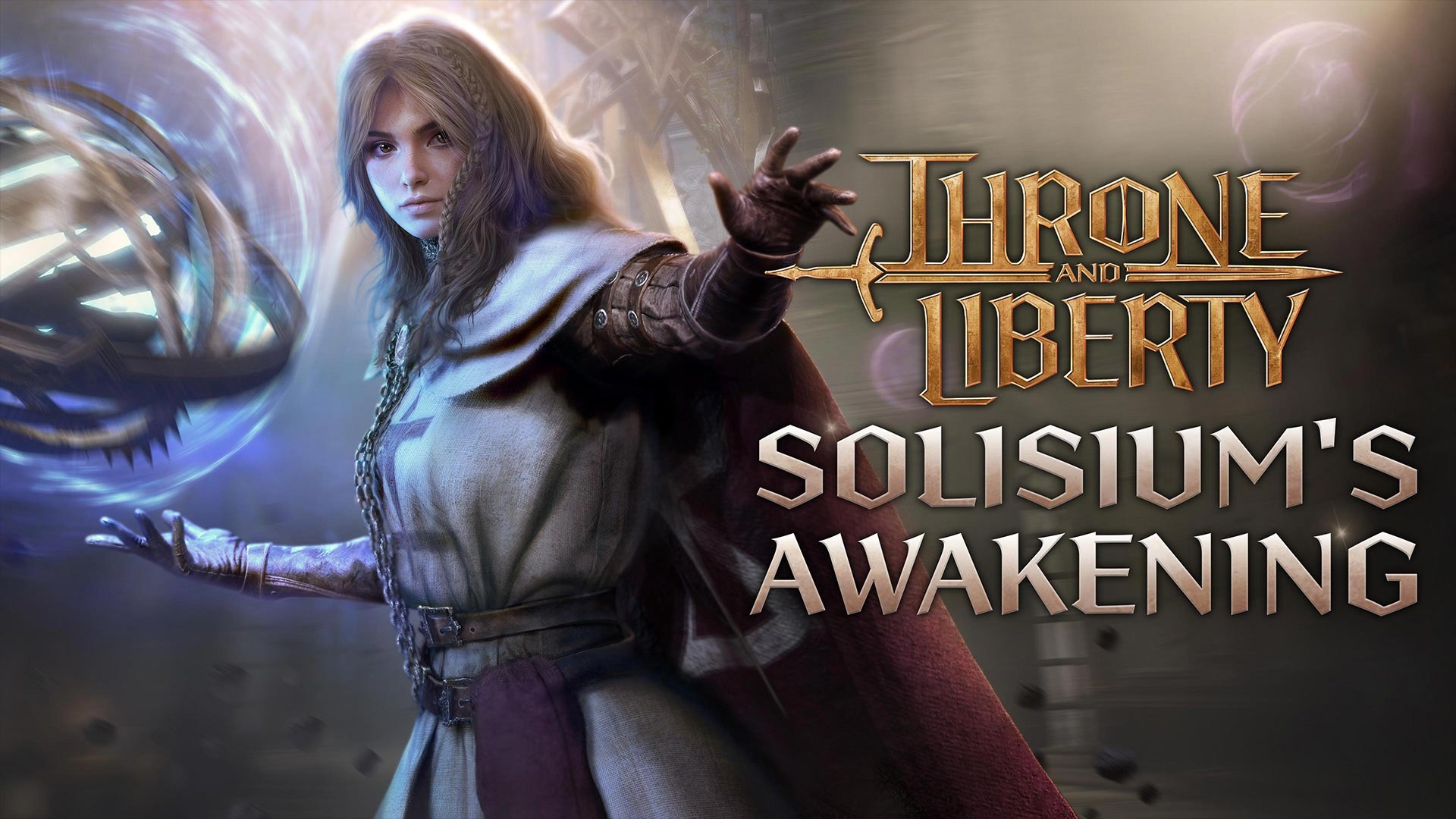 Throne and Liberty
Throne and Liberty Releases Solisium’s Awakening Update With New Weapon and Hyperboost Servers
FirstSpark Games and Amazon Games have rolled out the major update Solisium’s Awakening on the global servers of Throne and Liberty. This patch introduces a new weapon type, a 24…
 AION 2
Aion 2 Release Date Confirmed with Major Updates
NCSoft hosted a new special livestream of Aion 2, where developers from Korea and Taiwan answered community questions and shared major updates of the highly anticipated MMORPG. If…